How to use Orbit
Short guides with screenshots to get the most out of your copilot, from creating your account to coordinating your alliance.
- 01Getting startedCreate your account, choose your universe, synchronise your commander and meet your assistant.Read the guide
- 02What the chat can doThe assistant’s tools, example questions, memory and saved plans.Read the guide
- 03Your Empire and fleetsImport the OGame Empire page, check the values, set your class and your recyclers’ capacity.Read the guide
- 04IntelligenceThe galaxy map, the player scanner, espionage reports and how to read observed activity.Read the guide
- 05AlliancesShared spaces: invitations, chat, your bot in the room, relays, reports, permissions and seats.Read the guide
- 06Energy and plansWhat energy is, how much each plan gives, what is unlimited and how to manage or cancel your subscription.Read the guide
- 07FAQ and privacyWhat data Orbit reads, what it never does, who sees your data and other common questions.Read the guide
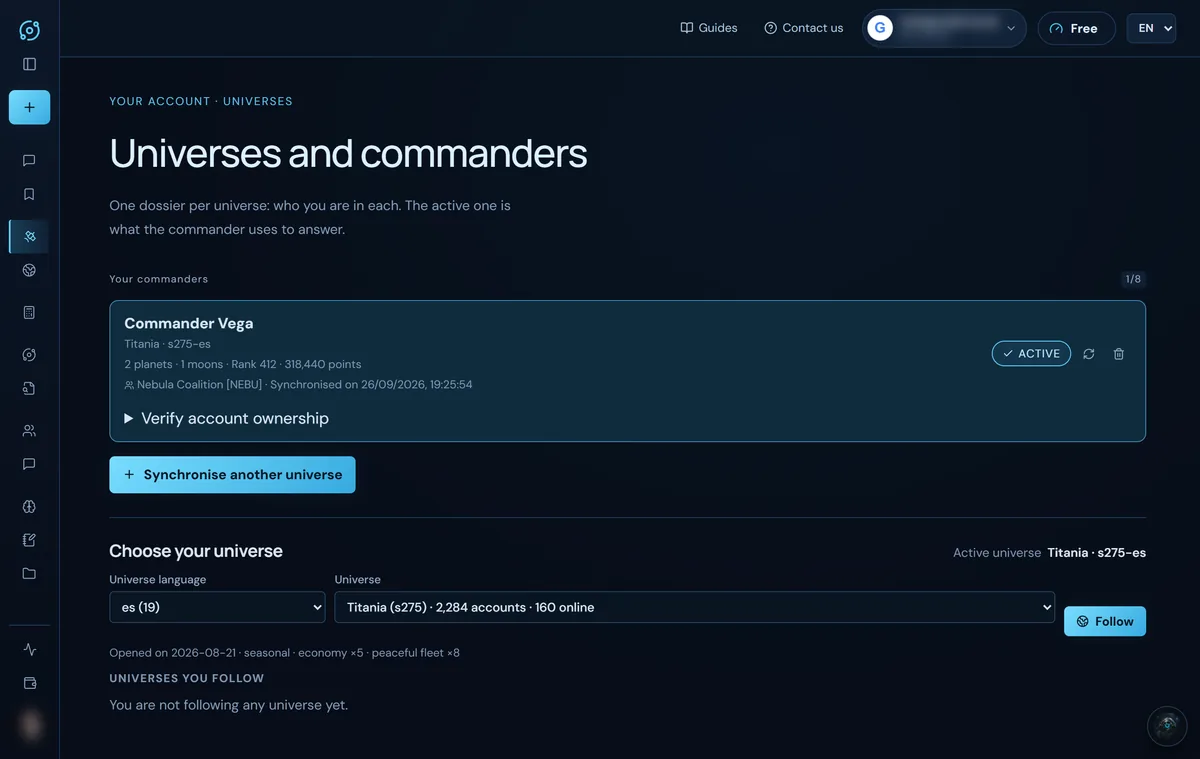
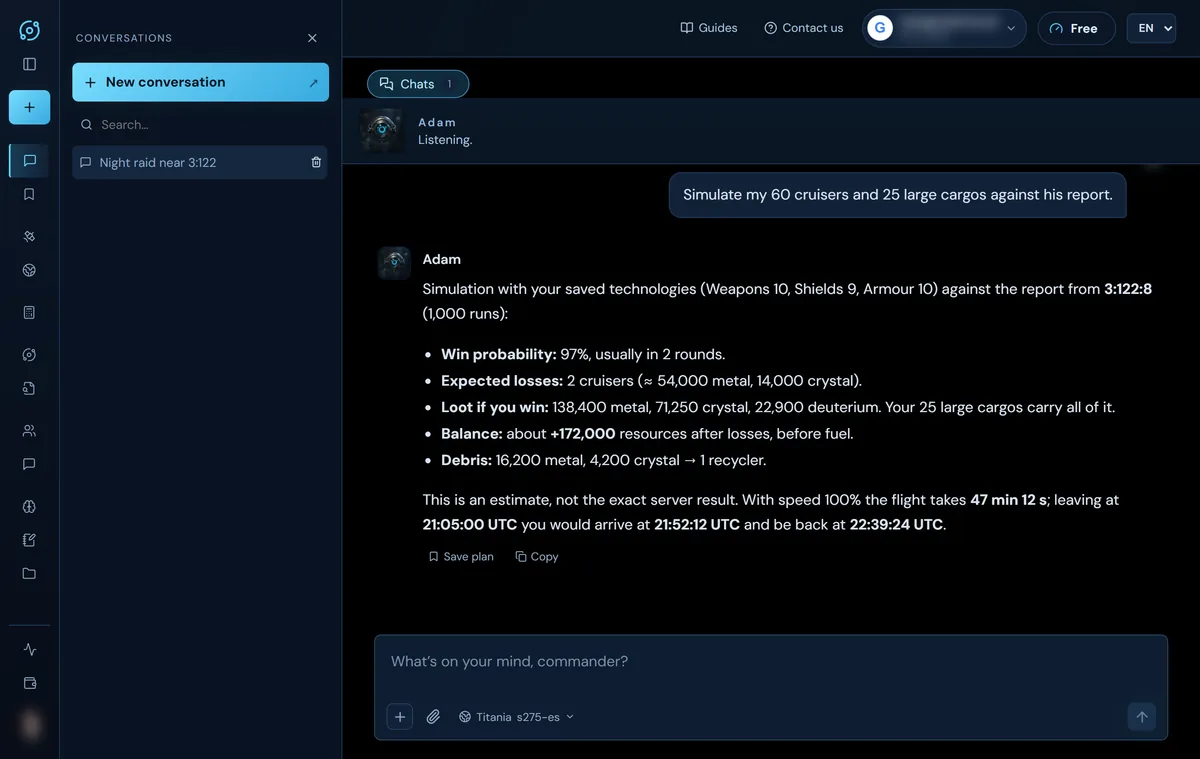
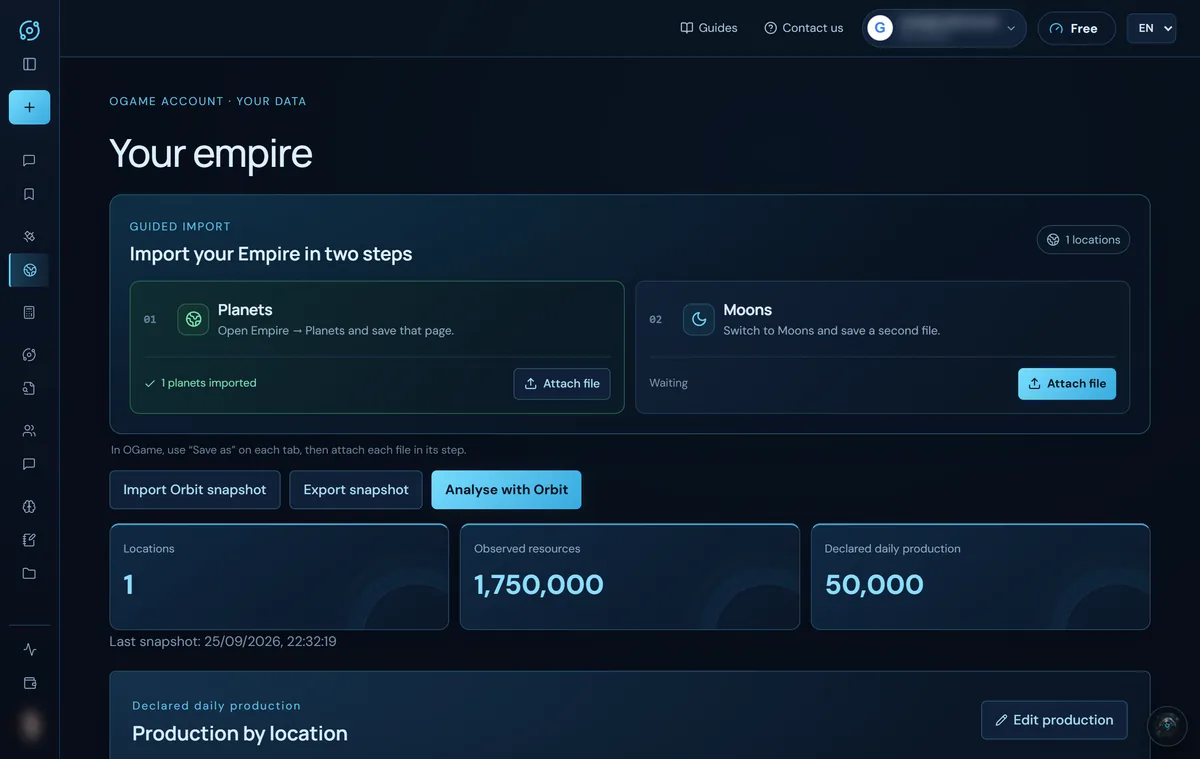
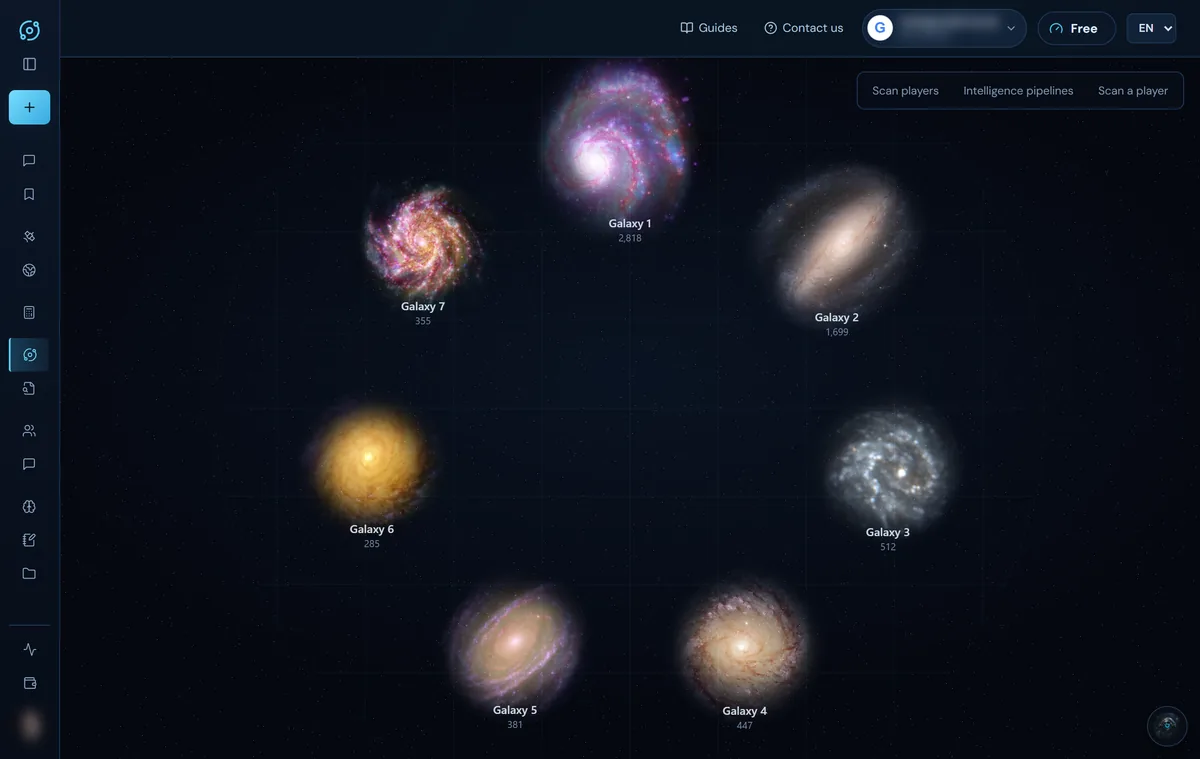
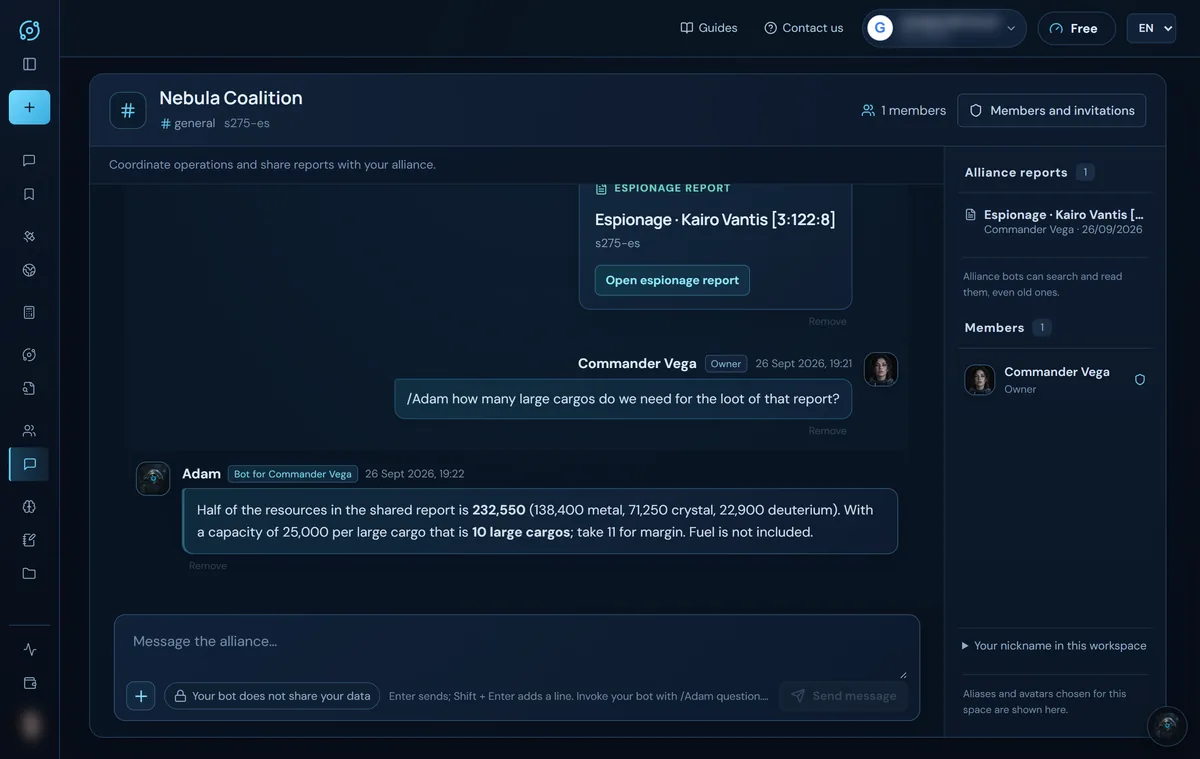
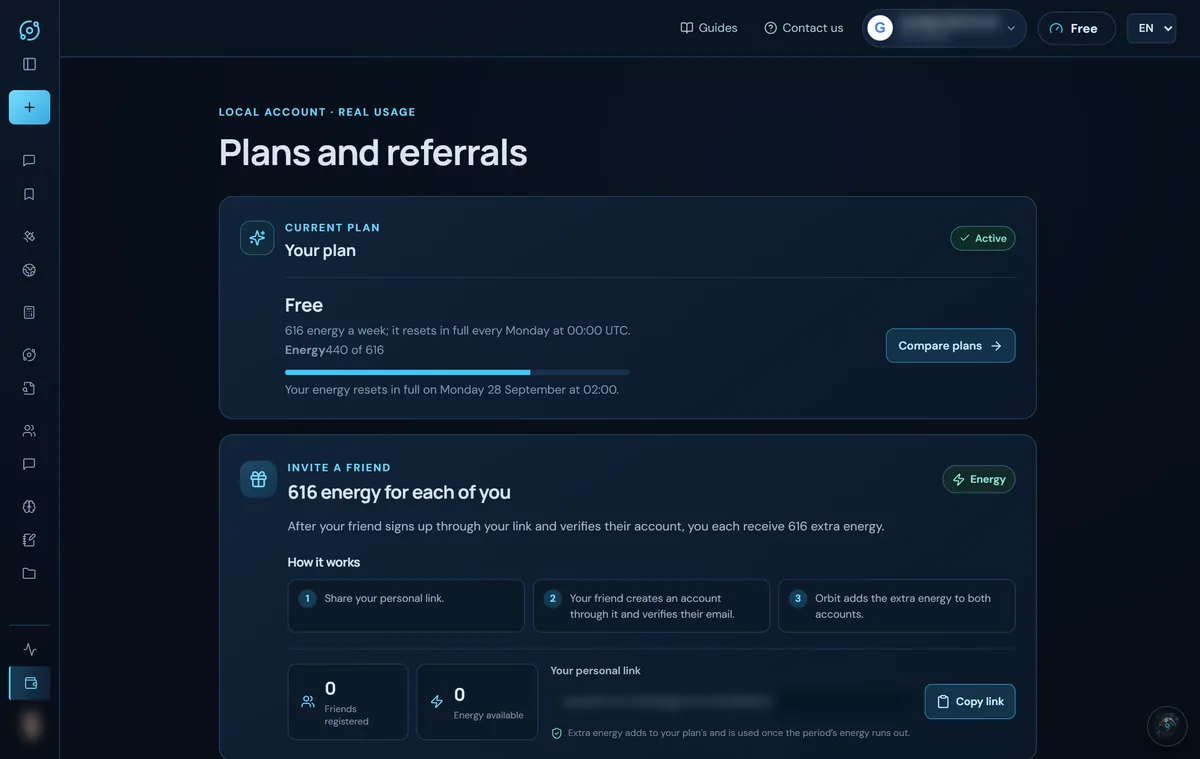
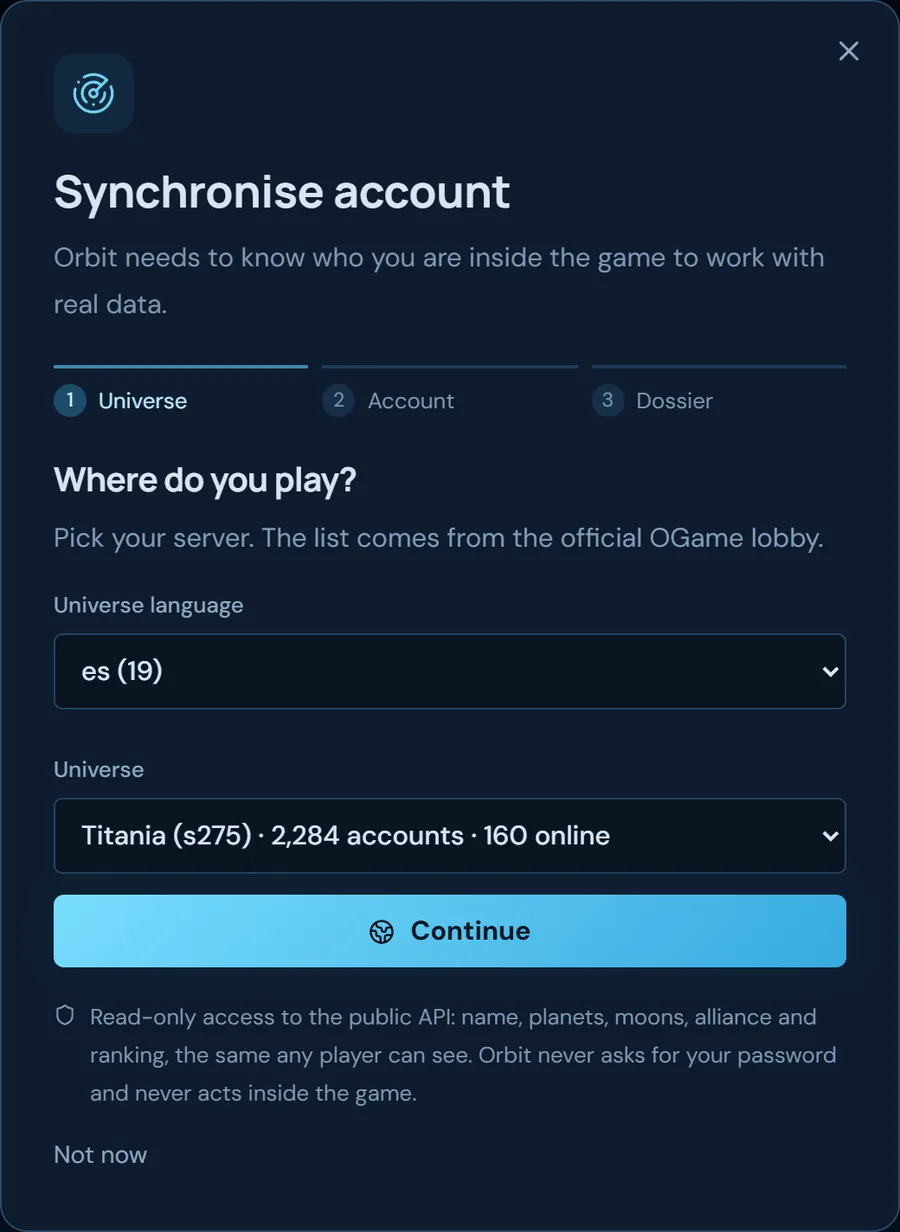
Screenshots show the English interface with sample data; player names are fictitious.